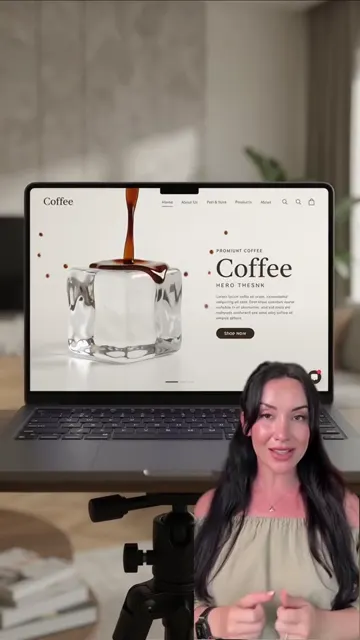
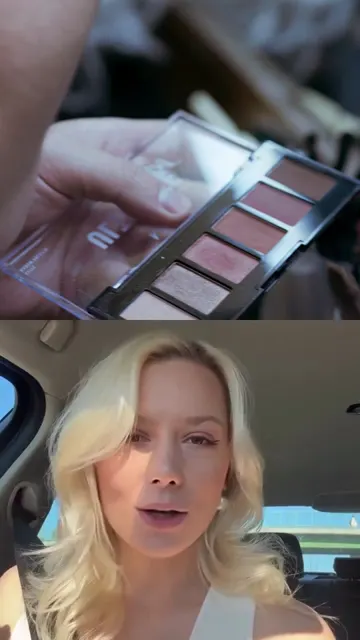
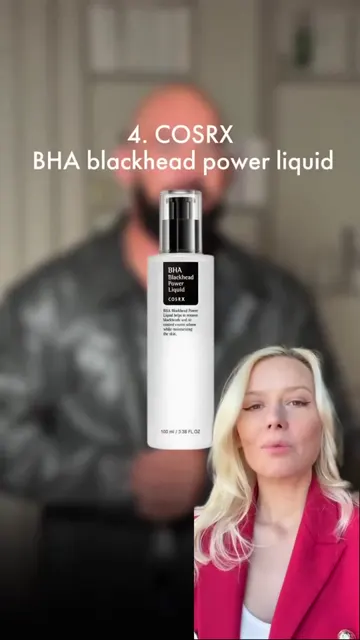
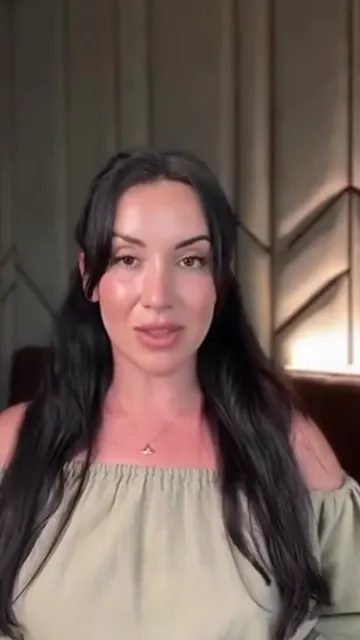
An AI avatar video for Instagram is a Reel where a digital version of a person, built from a short recording of their face and voice, speaks a script on camera. You write or choose the text, and the AI generates a video of "you" saying it, with matching lip movements and your voice. It's a way to post talking-head Reels regularly without filming each one. It also comes with real responsibilities: consent, disclosure and honesty with your audience. This guide covers how AI twins work, where they help, what Instagram requires, and how to get results that don't look off.
AI avatar, AI twin, AI clone: what's the difference?
The terms overlap, but it helps to separate two kinds of avatar:
- Stock or generic avatars. A synthetic presenter that isn't based on you. Useful for explainer videos, but your audience isn't watching you, which is the point of an expert account.
- Personal avatars (AI twin, AI clone, digital twin). A model built from your own footage and voice. On screen it looks and sounds like you, and it's what most experts mean when they search for an AI avatar for Instagram.
For coaches, therapists, beauty pros and consultants, the personal kind is the relevant one. People follow you because of how you explain things, how you look at the camera, how you sound. A generic presenter can't replace that.
How an AI twin video is made
Different products work differently under the hood, but the general process is the same:
- You record a sample. A short video of yourself talking to the camera. The system learns your face, expressions, how your mouth moves, and the sound of your voice.
- A voice model is built. From the audio, the system learns to generate speech that sounds like you: timbre, pace, intonation.
- You provide a script. This is the text the avatar will say.
- The voice model reads the script. It produces an audio track in your voice.
- The video model animates your face to match. Lip movements are synchronized with the new audio, and your recorded footage is used as the visual base.
- Editing is added on top: subtitles, B-roll, music, a cover.
The quality of the result depends heavily on step 1 (how well you recorded the sample) and step 3 (whether the script sounds like something you'd actually say).
What AI avatar videos are good for, and what they aren't
AI twins work best for:
- Educational talking-head Reels: "3 mistakes when...", myths vs facts, answers to client questions.
- Consistency. Posting several times a week without filming several times a week.
- Days you can't film: you're sick, traveling, or simply not camera-ready.
- Testing ideas. You can try more topics because each one costs less effort.
They're a weaker fit for:
- Personal moments where your audience expects the real you, like a story about a client breakthrough, behind the scenes, or an emotional post.
- Anything showing physical results: before/after, a technique demonstrated with your hands, a product on your skin. These need real footage.
- Live interaction, of course. Comments, DMs and Lives stay human.
A balanced approach that works well: use the AI twin for regular educational Reels and keep filming real content from time to time. If you're also considering not showing a face at all, compare with our guide to faceless Reels.
Consent: only your own face and voice
This is the rule that matters most. Only create an avatar of yourself, or of someone who has explicitly agreed to it and understands how it will be used. Never clone a colleague, client, celebrity or anyone else from their videos.
Before you upload your own face and voice anywhere, read the provider's data policy and check:
- Who can use your avatar? It should be available only in your account.
- Is your recording used to train AI models? Your face and voice are biometric data. You should know whether they become training material.
- Can you delete the avatar and the recording? Completely, at any time.
- Can you re-record? Your look changes. You'll want to update the avatar without starting over.
If a service doesn't answer these clearly, that's your answer.
Disclosure: Instagram's AI label rules
Instagram's rules on AI content are specific, and they apply directly to avatar Reels.
When the AI label is required
According to Instagram's Help Center, Meta requires you to label content that has photorealistic video or realistic-sounding audio that has been digitally generated or altered, including with AI. One of Instagram's own examples of content that needs a label is "a reel narrated with a realistic AI-generated voiceover". The same page notes there may be penalties if you don't label content as required, and that Meta may apply a label itself if it detects AI-generated or AI-edited content.
A realistic AI twin speaking in a cloned version of your voice fits this description. Our recommendation is simple: label your AI avatar Reels.
How to add the label
When creating a Reel, turn on the Add AI label toggle before sharing (Instagram Help Center). Viewers then see an AI content label on the Reel.
The AI-generated profile label
Instagram has renamed its "AI creator" label to "AI-generated profile". It is meant for profiles that feature an AI-generated person rather than a human. Instagram says profiles that should carry it but don't "may see limits to their profile's reach", while creators "who simply use AI tools as part of their creative process don't need to add the label" (Instagram for Creators).
If you're a real expert who sometimes posts Reels made with an AI twin, that describes using AI tools in your process, and labeling those individual Reels is the relevant step. If your account is built around a person who doesn't exist, the profile label applies. Read Instagram's wording yourself and decide honestly which describes your account.
Other platforms
If you repurpose avatar Reels, the same principle applies elsewhere. TikTok requires creators to label "AI-generated or significantly edited content that shows realistic-looking scenes or people" (TikTok Community Guidelines). YouTube requires disclosure of realistic AI content, including content that "makes a real person appear to say or do something they didn't do" (YouTube Help). A label set on one platform doesn't carry over to another. More on this in our guide to repurposing Reels.
Beyond the label
The label is the minimum. Being open with your audience goes further. Some experts say it once in their bio or in a Reel: "I use an AI twin for some educational videos so I can post more often. The ideas and advice are mine." Your followers trust your expertise, not your filming schedule. Hiding the AI usually costs more trust than admitting it.
How to record a sample that looks natural
Since the avatar learns from your sample, a good recording is worth the effort:
- Light your face evenly. Face a window or use a soft light in front of you. Avoid strong shadows and light from behind.
- Frame like a normal Reel: vertical, head and shoulders, eyes in the upper third of the frame.
- Keep the background calm. A plain wall or tidy room. Moving objects behind you can cause artifacts.
- Talk naturally. Speak like you're explaining something to a client, with your normal gestures and expressions. A stiff recording produces a stiff twin.
- Keep your mouth visible. No hands, microphones or hair in front of your lips.
- Record in a quiet room. Background noise affects voice quality.
- Dress the way you usually appear on your account, so avatar Reels match your real ones.
Write the script the way you speak
The avatar will say exactly what you give it. A script that reads like a blog post will sound like a robot, even in your voice. Use short sentences, one idea per Reel, a strong first line, and words you'd actually use with clients. Our guides on how to write a script for Reels and Reels hooks go into detail.
Before generating, read the script out loud. If you stumble or it doesn't sound like you, rewrite it.
Where WowFlō fits
WowFlō is built around a personal AI twin for experts. You record yourself once on camera, up to two minutes, and can re-record at any time. The twin lives only in your account, your recordings aren't used to train AI, and you can delete it whenever you want. From there, WowFlō suggests ideas based on what's working in your niche, writes the script in your words, and your twin records the Reel in one of three formats: expert with B-roll, reaction, or split screen. Subtitles, a cover and music are added automatically. More on how it works on the AI avatar page.
The disclosure part is still yours: label your avatar Reels on Instagram, and on any platform where you repurpose them.
Try your AI twin
An AI twin won't replace your expertise or your relationship with your audience. It removes the part that stops most experts from posting: filming every single video. If you'd like to see what your own twin looks like, start with WowFlō. The first generation is free and doesn't need a card, and your first Reel takes about 15 minutes.
FAQ
Do I have to label AI avatar Reels on Instagram?
Instagram requires a label on content with photorealistic video or realistic-sounding audio that was digitally generated or altered, including with AI. A realistic avatar of you speaking in an AI-generated version of your voice fits that description, so we recommend turning on Add AI label for these Reels. Instagram says there may be penalties for not labeling content when it's required.
Will the AI label hurt my reach?
Instagram's AI label help page doesn't say that labeled Reels get less reach, and we haven't found an official source saying so. For the AI-generated profile label, Instagram says creators who add it proactively won't see a change in reach, while profiles that should carry it but don't may be limited.
Can I make an AI avatar of someone else?
Only with their explicit consent and a clear agreement on how the avatar will be used. Cloning someone's face or voice from their videos without permission is a serious breach of trust and may violate platform rules and the law. For your expert account, build an avatar of yourself only.
How long does it take to create an AI twin?
It depends on the service. With WowFlō, you record one video of up to two minutes, and your first finished Reel takes about 15 minutes. You can re-record your twin at any time if your look changes.