Captions included
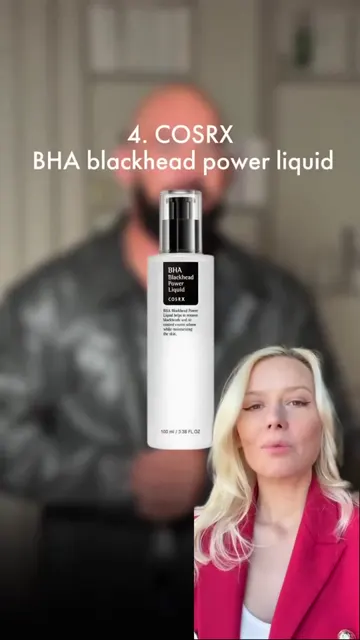
Every Reel gets captions automatically. No typing, no manual timing.
Captions and editing
Every Reel comes out finished, with captions, a cover and music. Skip the editing app and go straight to posting.
After the shoot comes the real work: cutting, typing captions, fixing timing, picking music, designing a cover. A one-minute Reel can eat a whole evening. Or you pay an editor and wait.
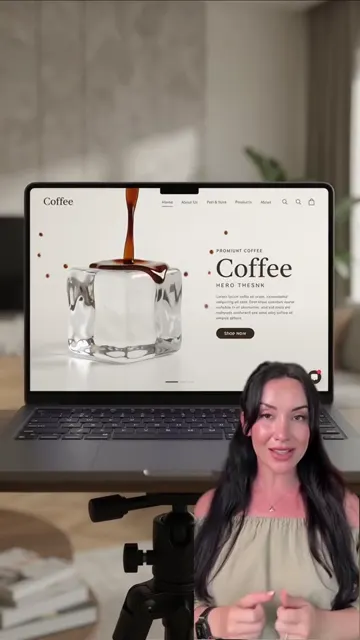
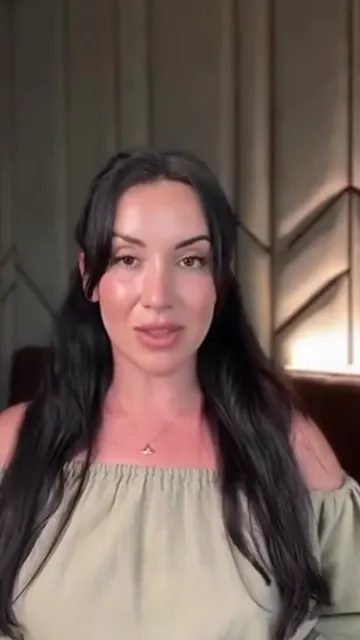
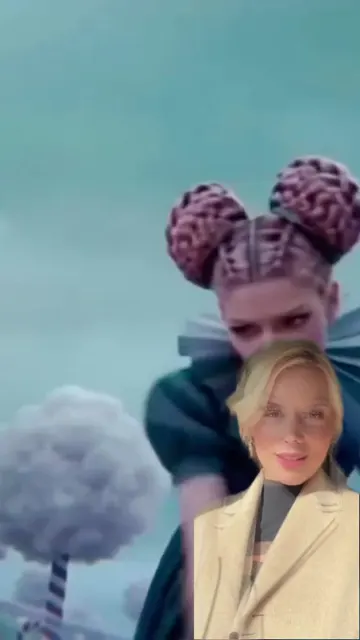
Expert with B-roll cutaways, reaction or split-screen.
Captions, a cover and music are added to your twin's video automatically.
Publish to Instagram, schedule it or download the finished file.
Every Reel gets captions automatically. No typing, no manual timing.
A cover and music come with every Reel, so it's ready for your feed.
Expert with B-roll cutaways, reaction and split-screen. Mix up your content without learning to edit.
No timeline, no software, no settings. You get a finished Reel up to 1 minute long.
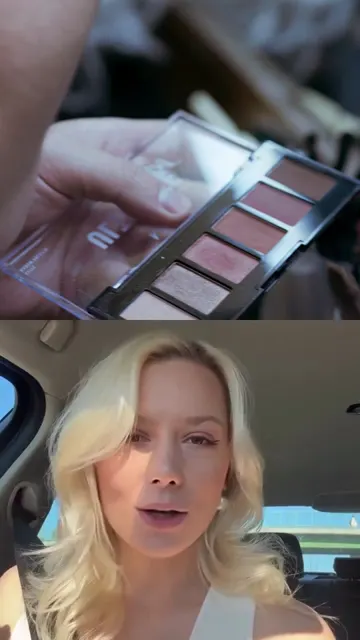
Use the reaction format to give your expert take on a trending beauty Reel.
Expert with B-roll cutaways keeps a talking-head tip lively without hours of editing.
Use split-screen to answer a popular video side by side with your own view.
Three: expert with B-roll cutaways, reaction and split-screen. Each comes with captions, a cover and music.
Up to 1 minute.
No. WowFlō adds captions, a cover and music for you, and the Reel comes out ready to post.
Yes. Download the finished Reel and upload it to TikTok or YouTube Shorts yourself.
How long should a reel be? Instagram's current length limits, why reels under 3 minutes matter for reach, and the lengths we recommend for each type of reel.
How to add captions to Instagram Reels with auto captions, manual text or burned-in subtitles, plus styling rules that keep captions readable on a phone.
Repurpose Reels for TikTok and YouTube Shorts the right way: clean exports, no watermarks, platform-specific tweaks and the rules each platform enforces.
One free generation to see the whole result. One click to cancel.